
Because I am such a volunteering maniac, I said I would make a blog for the El Camino Real Chapter of Texas Master Naturalists. And I did it! Hooray for follow through and all that.
It just popped into my head at our last meeting that we had no way to share and archive our nature stories, reports on training, etc. It’s a lot of work to make a paper newsletter, so we haven’t had one in a while, and though we do have a Facebook page, it’s more about news, since member posts don’t show up on the main page. A blog is a great way to share.
Also, blogging is a great way to get volunteer hours. Master Naturalists like those.
How did I do it?
I always forget what goes into setting up a new WordPress blog, customizing its look and feel, and making it do what I want it to do. I like the theme I chose for this one, especially since the top menus stay at the top of the screen as you scroll down. I also think it looks pretty elegant and simple.
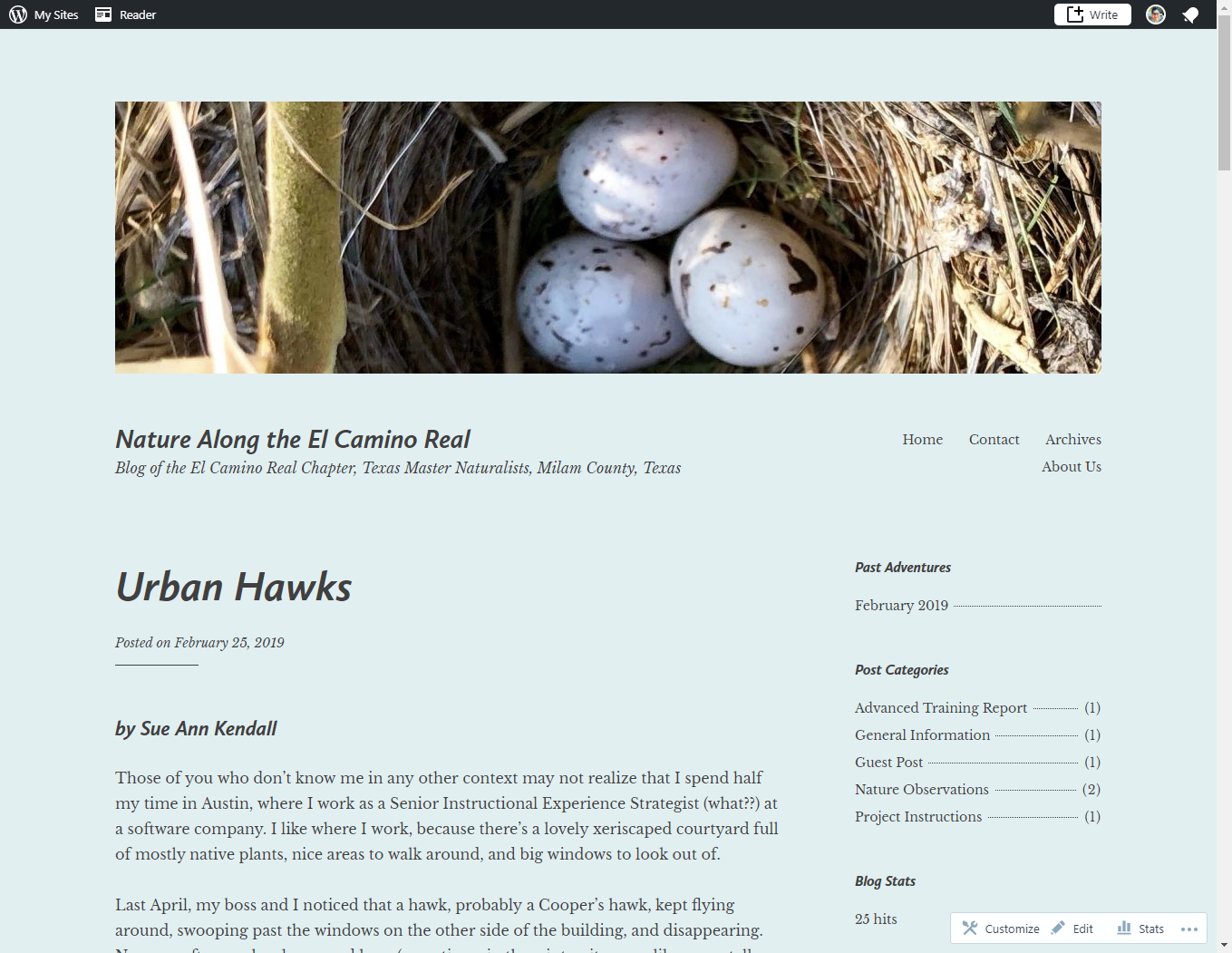
What I didn’t like about the theme was that there was no way to put a blog archive on the home page. The home page has no right column, and you can’t easily modify the top. I did put the archives at the bottom of the page, but, who’s going to go all the way down there?

So, I made an archive top-level page. Problem solved, I hope.
Off we go
Feedback I got from the small group I ran it by was that it was hard to subscribe to the blog (I made sure to put both the email follow link and the WordPress follow link). And some typos got spotted, which I always appreciate.
I was happy to receive two items to post as soon as the group voted to start a blog. That way not all the articles will be by me! I plan to continue to re-blog my more naturalist-oriented posts here, but am looking forward to seeing lots more from my fellow Master Naturalists.
So, make sure YOU follow that blog, too!
Discover more from The Hermits' Rest
Subscribe to get the latest posts sent to your email.

 The Hermits' Rest